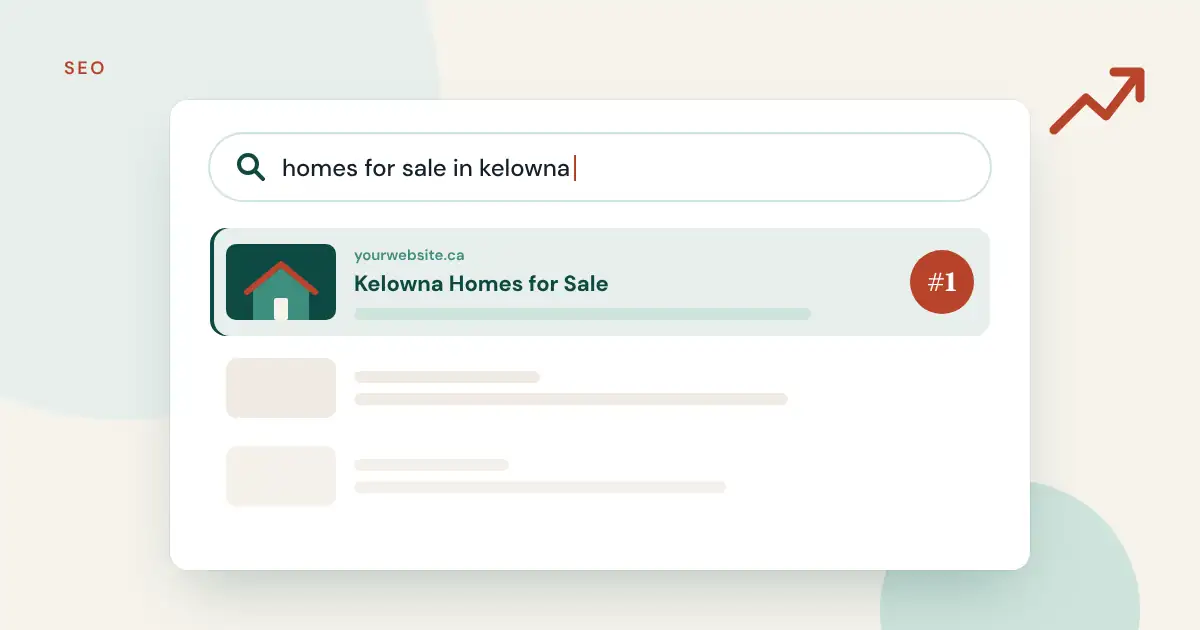
Most home searches start online, and most of those start on Google. If your website doesn’t show up when someone searches “homes for sale in [your city]”, those buyers go to a portal or another agent.
The good news: real estate website SEO isn’t magic. It comes down to having useful pages on your own domain, organized so Google understands them. Here are nine practical steps for Canadian REALTORS®.
1. Put real listing pages on your own domain
This is the biggest one. Many listing tools show properties in an iframe, a window into someone else’s website. Google sees that content as belonging to the other site, so it does little for yours.
When listings are imported into your website instead, every property becomes its own page on your domain, with its own address, photos, price and description. That’s potentially hundreds of pages Google can index for searches like “3 bedroom house [neighbourhood]”.
Realtie imports CREA DDF® listings into WordPress this way, as real pages on your domain, not an iframe.
2. Keep your listings fresh automatically
Search engines and buyers both dislike out-of-date pages. A sold home still showing as active hurts trust and wastes clicks.
Connect your listings to an automatic feed. CREA says DDF® listing data is updated an average of 46 times a day, so a synced site stays accurate. Price changes, new photos and status updates should flow through on their own, and expired listings should be removed.
3. Build area pages for every place you sell
Area pages are where agent websites often beat big portals. Create one page per city, neighbourhood or community you serve, for example “Homes for Sale in Leslieville, Toronto”. On each page:
- write 300–600 words about the area in your own words (schools, parks, commute, typical home styles),
- show filtered listings for that area,
- add a contact form or call to action.
These pages match how people actually search, and the unique local writing is something a portal can’t easily copy.
4. Get your page titles and meta descriptions right
Every important page needs:
- a title tag that includes the main keyword and place, such as “Leslieville Condos for Sale | Your Name, REALTOR®”,
- a meta description (about 150 characters) that tells the searcher why to click.
An SEO plugin like Yoast or Rank Math makes this easy in WordPress.
5. Use clear headings and simple structure
Use one H1 per page (the page title), then H2s for sections. Keep paragraphs short. Use descriptive link text like “see waterfront homes in Vancouver” instead of “click here”. This helps both readers and search engines.
6. Make it fast and mobile-friendly
Most home searchers browse on their phones. Check that your site:
- loads quickly (compress images and avoid heavy sliders),
- has buttons and forms that are easy to tap,
- doesn’t make visitors pinch and zoom.
Filtering your listing feed to your service area, instead of importing all of Canada, also keeps your site lighter and faster.
7. Set up your Google Business Profile
For local searches, your Google Business Profile matters as much as your website. Fill in every section, choose the right category, add photos, link to your website and ask happy clients for reviews. Keep your name, address and phone number identical on your website and your profile.
8. Write helpful content that answers real questions
Buyers and sellers search for answers: “how much are closing costs in BC”, “best time to sell a house in Ontario”, “what is a strata fee”. A short, honest article answering a common question can bring in visitors for years. Link from those articles to your area pages and listings.
9. Follow the rules for listings and trademarks
Canadian real estate advertising has rules: provincial regulators, your brokerage and CREA’s DDF® policy all apply. Use the REALTOR® and MLS® trademarks correctly, identify your brokerage, and only display listings the way your feed allows. Compliance protects your licence and keeps your feed active.
A simple SEO checklist for your real estate website
- Listings imported as pages on your domain (no iframe)
- Automatic sync turned on
- One area page per community you serve
- Title and meta description on every key page
- Fast, mobile-friendly design
- Google Business Profile completed and linked
- At least one helpful article per month
- Trademark and brokerage information displayed correctly
FAQ
How long does real estate SEO take to work?
Usually a few months. New pages need time to be discovered and trusted. Listing pages and area pages tend to start bringing in searches earlier than general articles.
Do imported listings create duplicate content?
The same listing appears on many sites, so the listing description alone won’t make you stand out. That’s why area pages and your own writing matter: they give Google a reason to rank your page.
Do I need an SEO agency?
Not to get started. The steps above cover the basics most agent websites are missing.
Does Realtie work with Yoast and Rank Math?
Yes. Listings are standard WordPress pages, so your SEO plugin can manage their titles, descriptions and sitemaps.
Get your listings working for your SEO
Want your listings to work for your search rankings instead of someone else’s? See how Realtie works or start your free trial. New to listing feeds? Start with How to add MLS® listings to your WordPress website.
The trademarks MLS®, Multiple Listing Service® and the associated logos are owned by The Canadian Real Estate Association (CREA). The trademarks REALTOR®, REALTORS® and the REALTOR® logo are controlled by CREA. DDF® is a trademark owned by CREA.